
Keys and mouse
Ctrl K opens a command palette for every action and playlist, ? lists all keys, and the hint bar at the bottom shows what works on the current page.
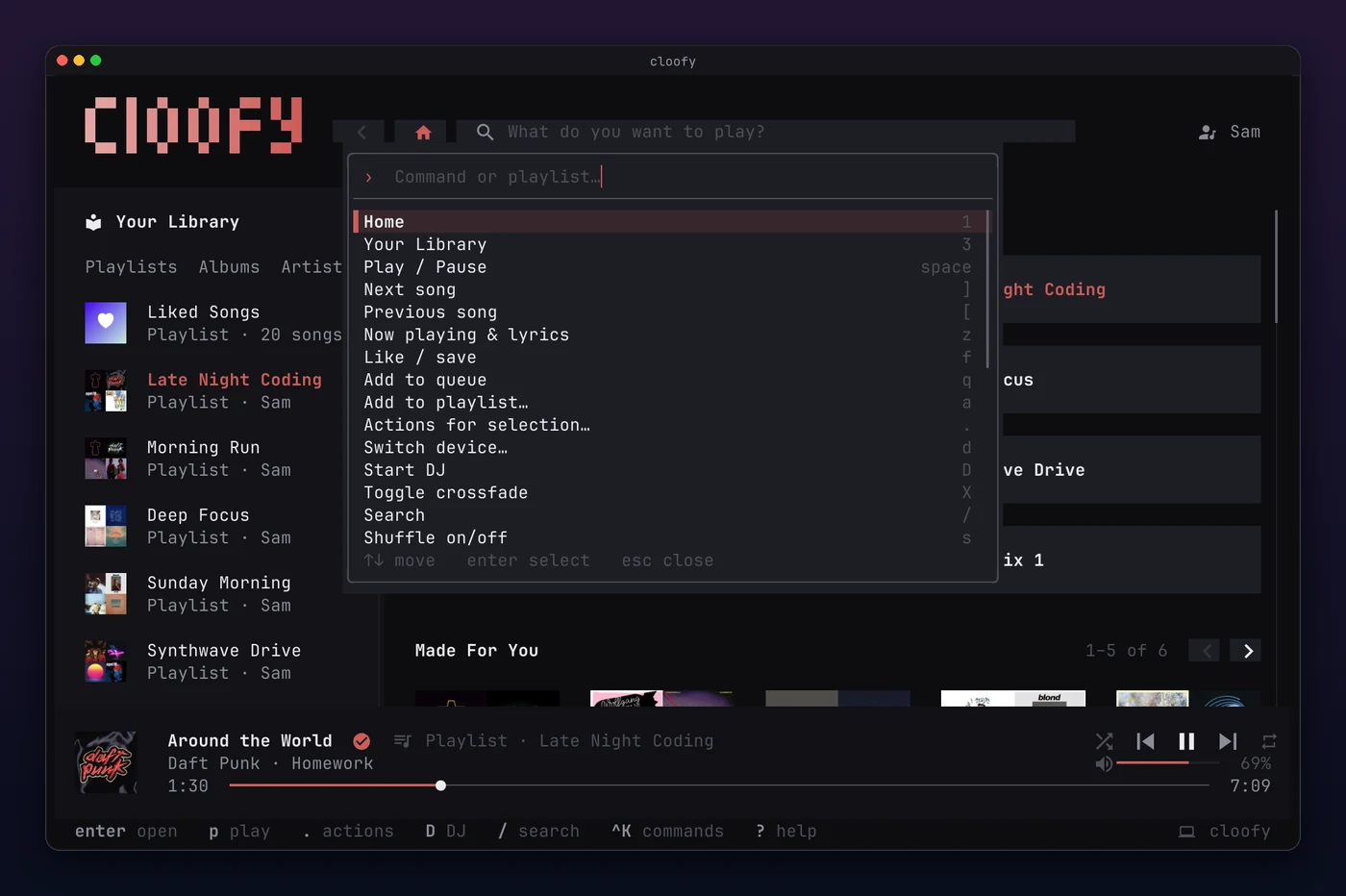
Shortcuts
Section titled “Shortcuts”| Key | Action |
|---|---|
| space | Play or pause |
| [ ] | Previous, next track |
| ⇧ ← → | Seek 5 seconds |
| + - | Volume |
| s r | Shuffle, repeat |
| 1 / 3 | Home, search, your library |
| S | Switch between Spotify and YouTube Music |
| enter | Open or play the selection |
| esc | Back |
| f | Like the song, or save the album or playlist |
| F | Follow the artist |
| q a | Add to queue, add to a playlist |
| . | Actions for the selection |
| z | Now playing and lyrics |
| Q | Queue |
| d | Devices, on Spotify |
| D | Start the DJ on Spotify; while it plays, ask it for something |
| X | Crossfade, on Spotify |
| , | Settings |
| U | Update cloofy |
| Ctrl K | Command palette |
| ? | All shortcuts |
| Ctrl C | Quit |
Everything works with the mouse too: click to open and play, hover, scroll, drag the seek and volume bars, and right-click for the actions of a song, an album or a playlist.
Now playing
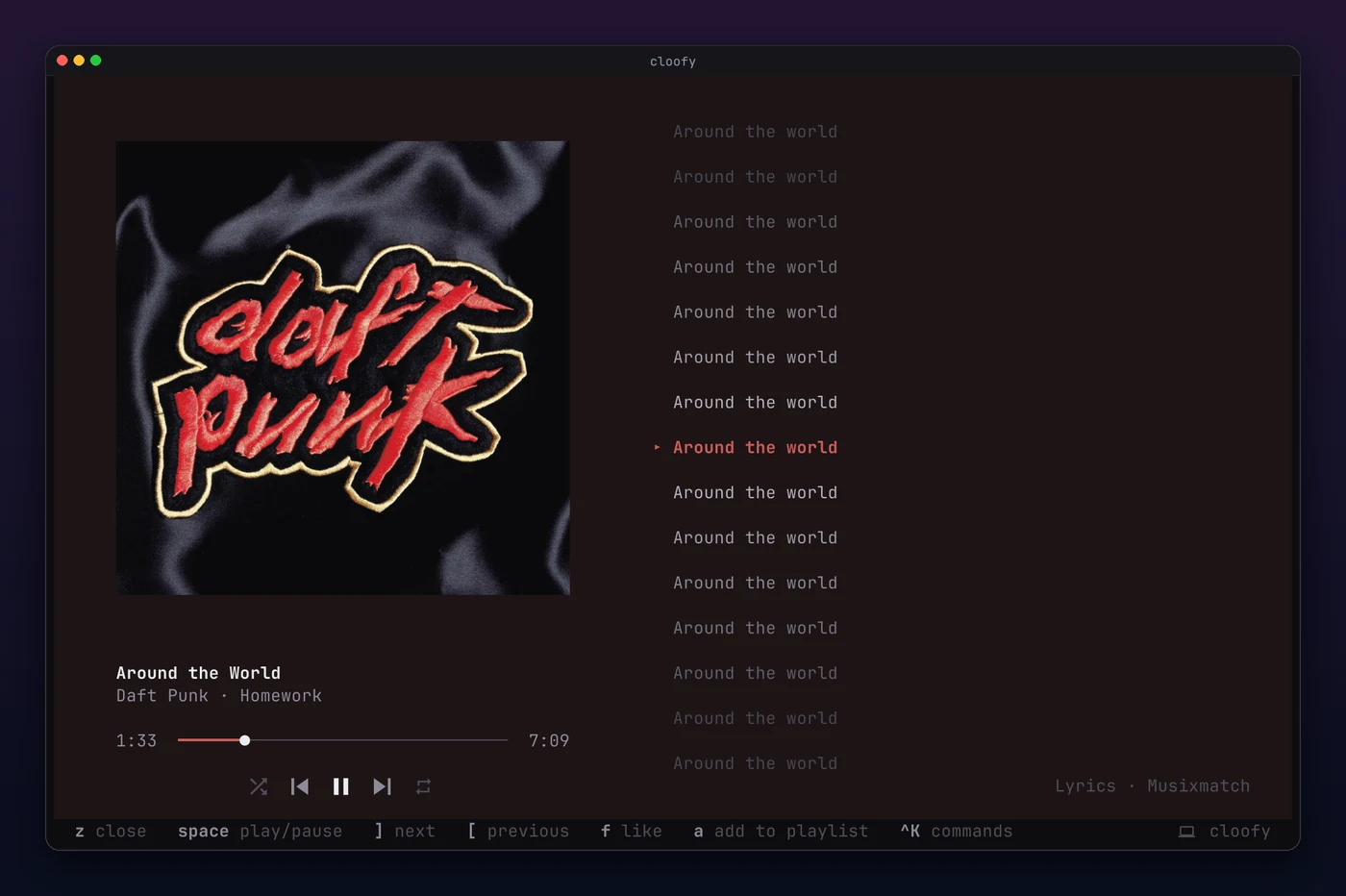
Section titled “Now playing”z opens the track in full: a large cover, and lyrics that follow the song line by line.
The queue
Section titled “The queue”Q, the queue button next to the volume or the command palette shows what plays next, as in Spotify’s apps: the song playing now, the songs you queued under Next in queue, and the rest of the playlist or album under Next from. enter or a double click skips ahead to a song, and Delete or its menu takes a song you queued out again.